IDX Widgets
Paste one line of code. Add RealSavvy's script to your WordPress site in a Custom HTML block, then put widgets on any page: MLS search, neighborhood and listing grids, a slider and a contact form. Every lead goes into Follow Up Boss.
| Install | One script tag in a Custom HTML block |
| Widgets | Search, grids, slider, collections, contact form |
| Price | IDX widget $99/mo plus a $99 setup, or Widget Studio $99/mo to do it yourself |
Built in Widget Studio for Vince Young Realty in Austin, with live MLS listings. This is exactly what renders on your page.
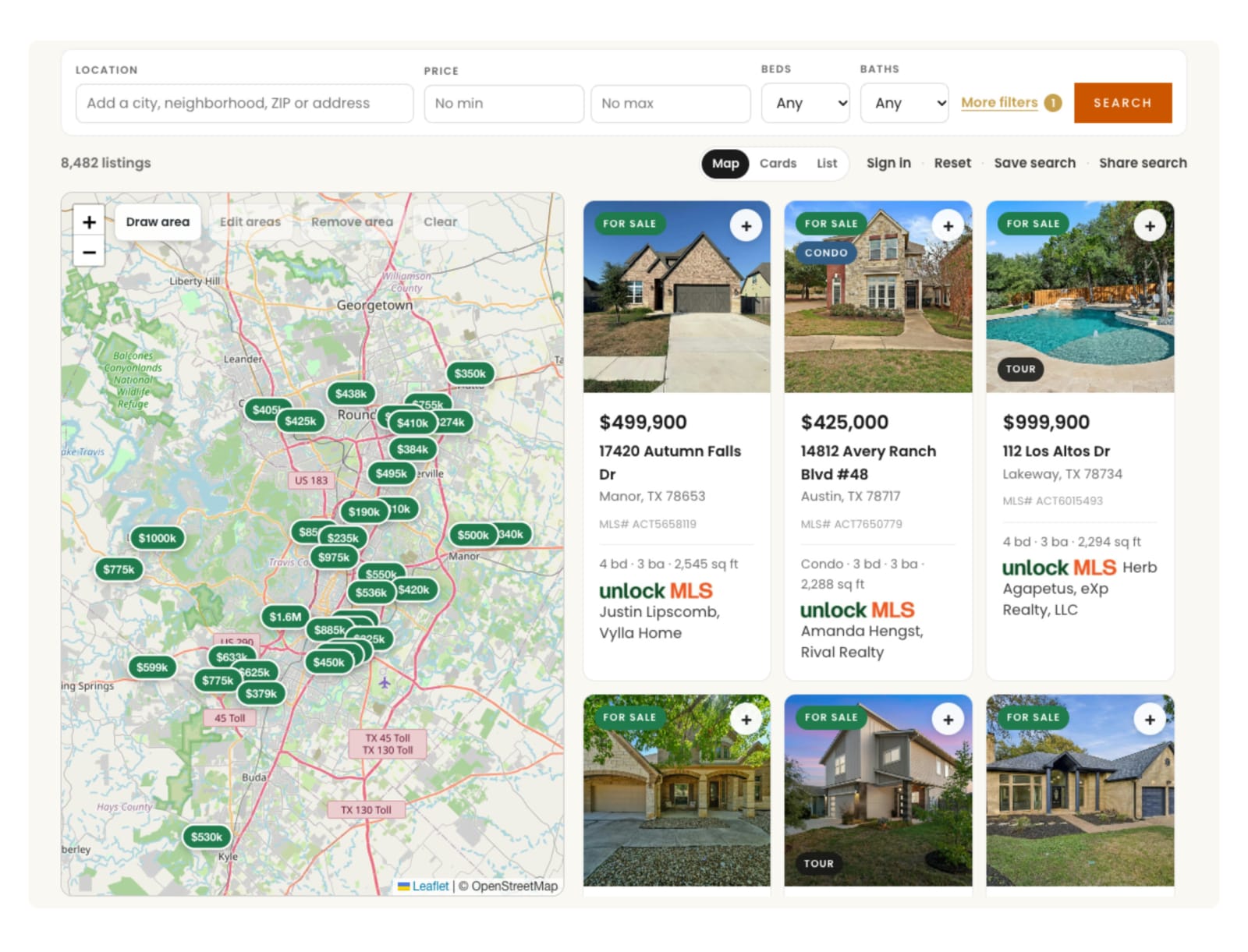
Map, draw-your-own areas, filters and saved searches. Buyers who register land in Follow Up Boss.

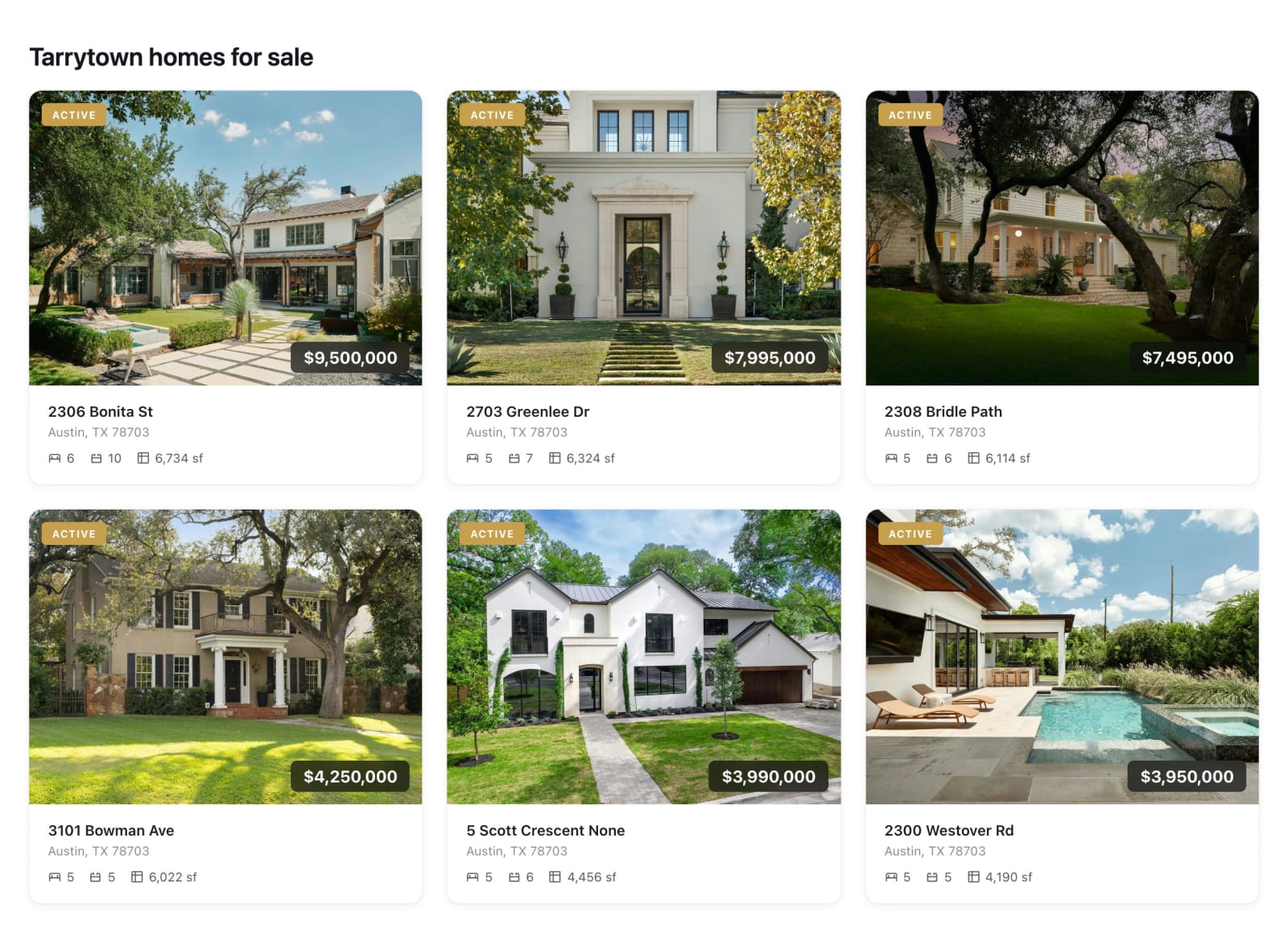
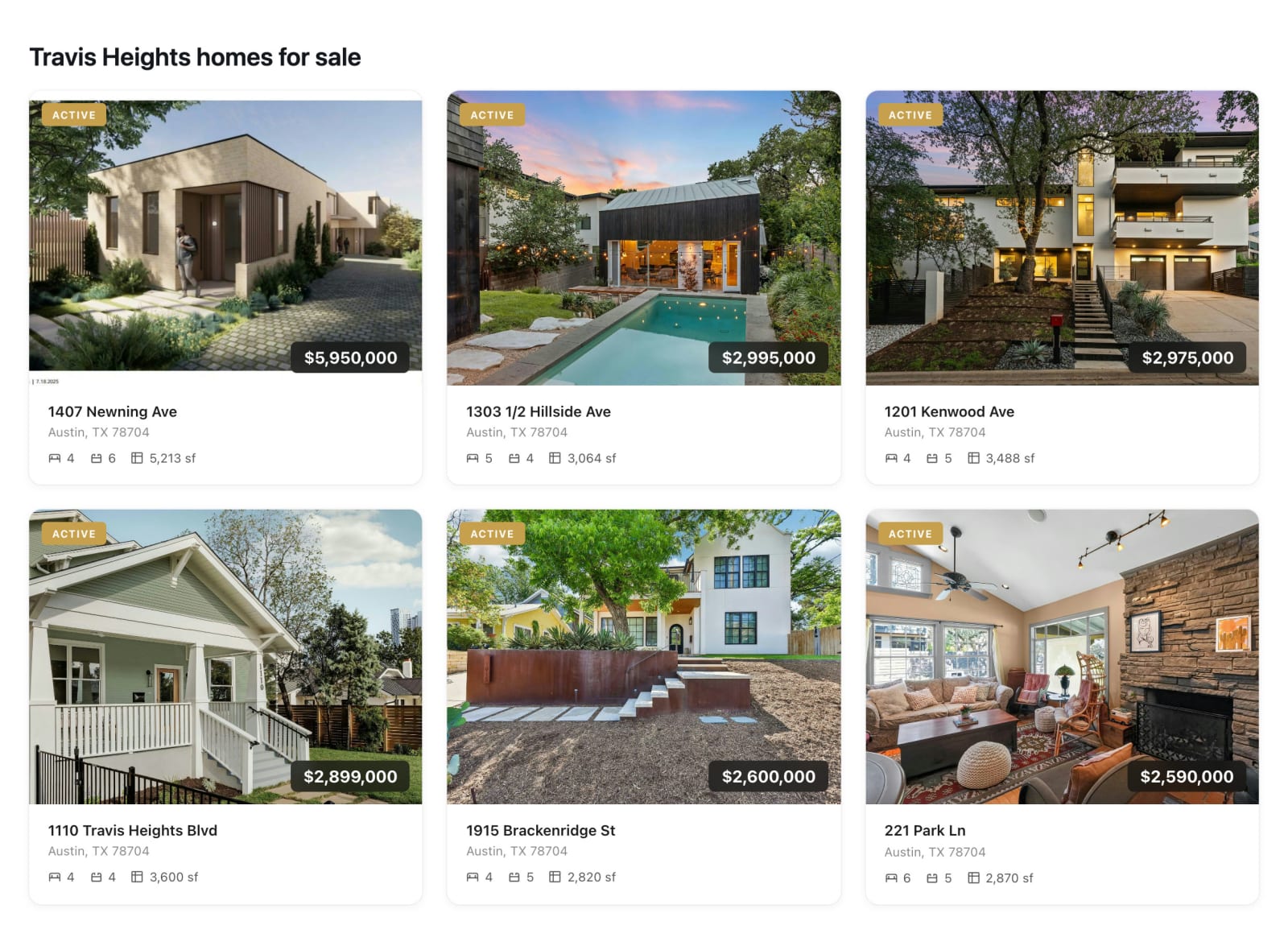
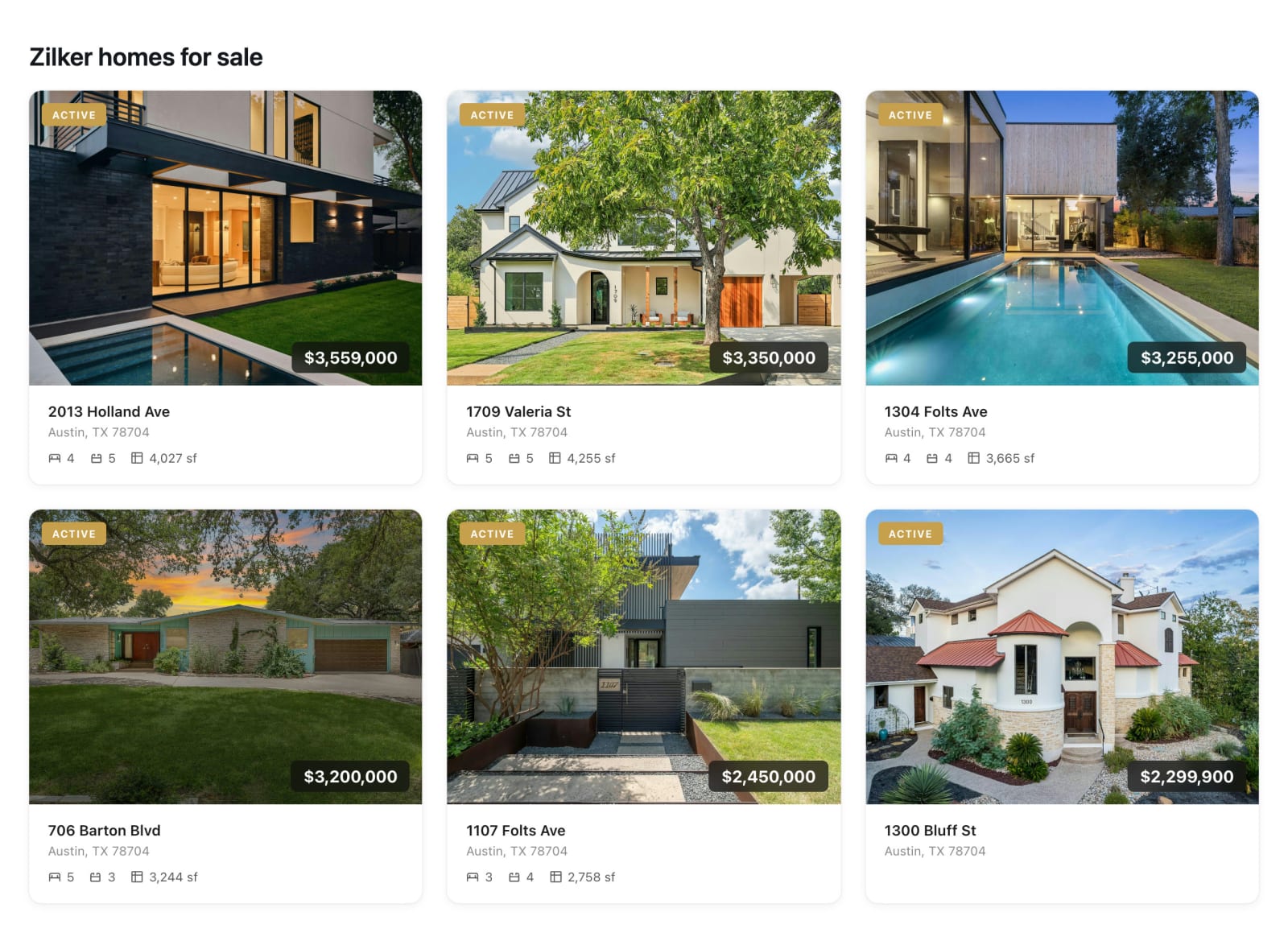
Pick the area once and the grid stays current on its own. Zilker, Tarrytown and Travis Heights here, each its own widget.


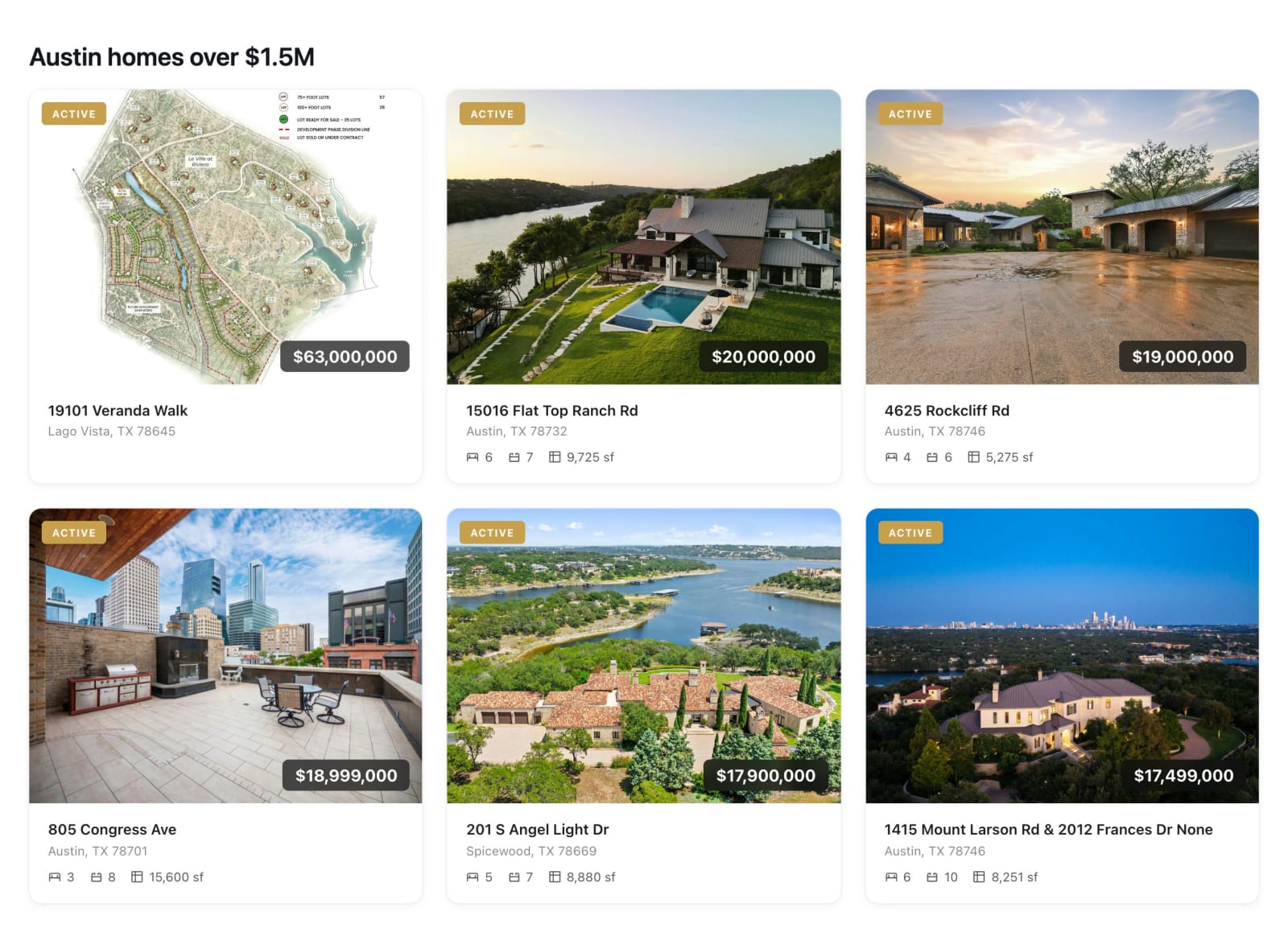
Price, type, beds, baths, keywords. This one is Austin houses over $1.5M.

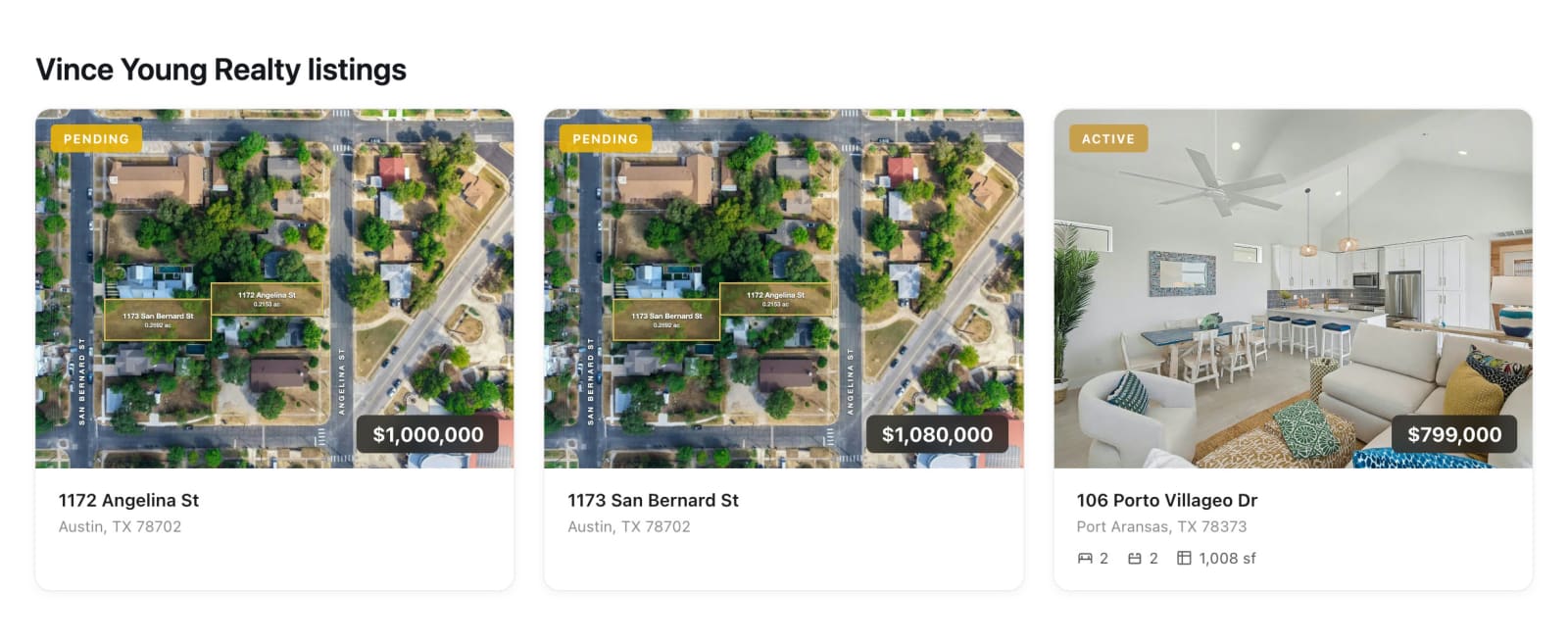
Your listings, your team's or your office's, pulled straight from the MLS. Pending and sold update themselves.

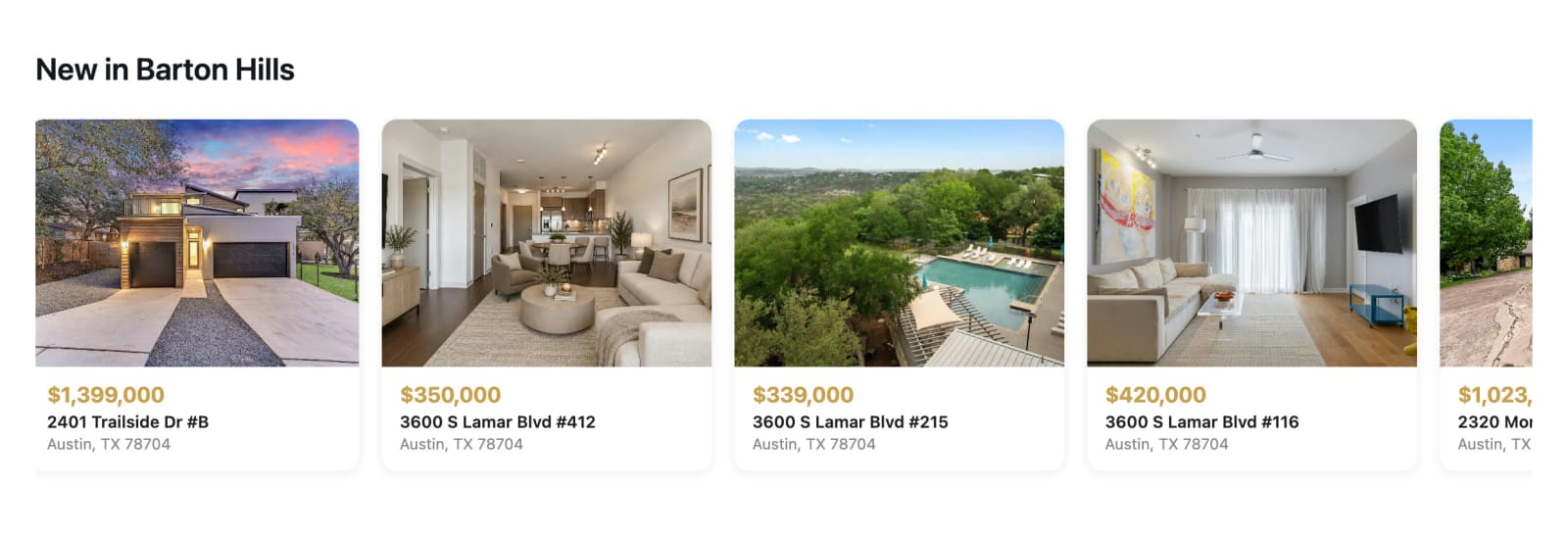
Fits a home page or a neighborhood page without taking it over. New in Barton Hills here.

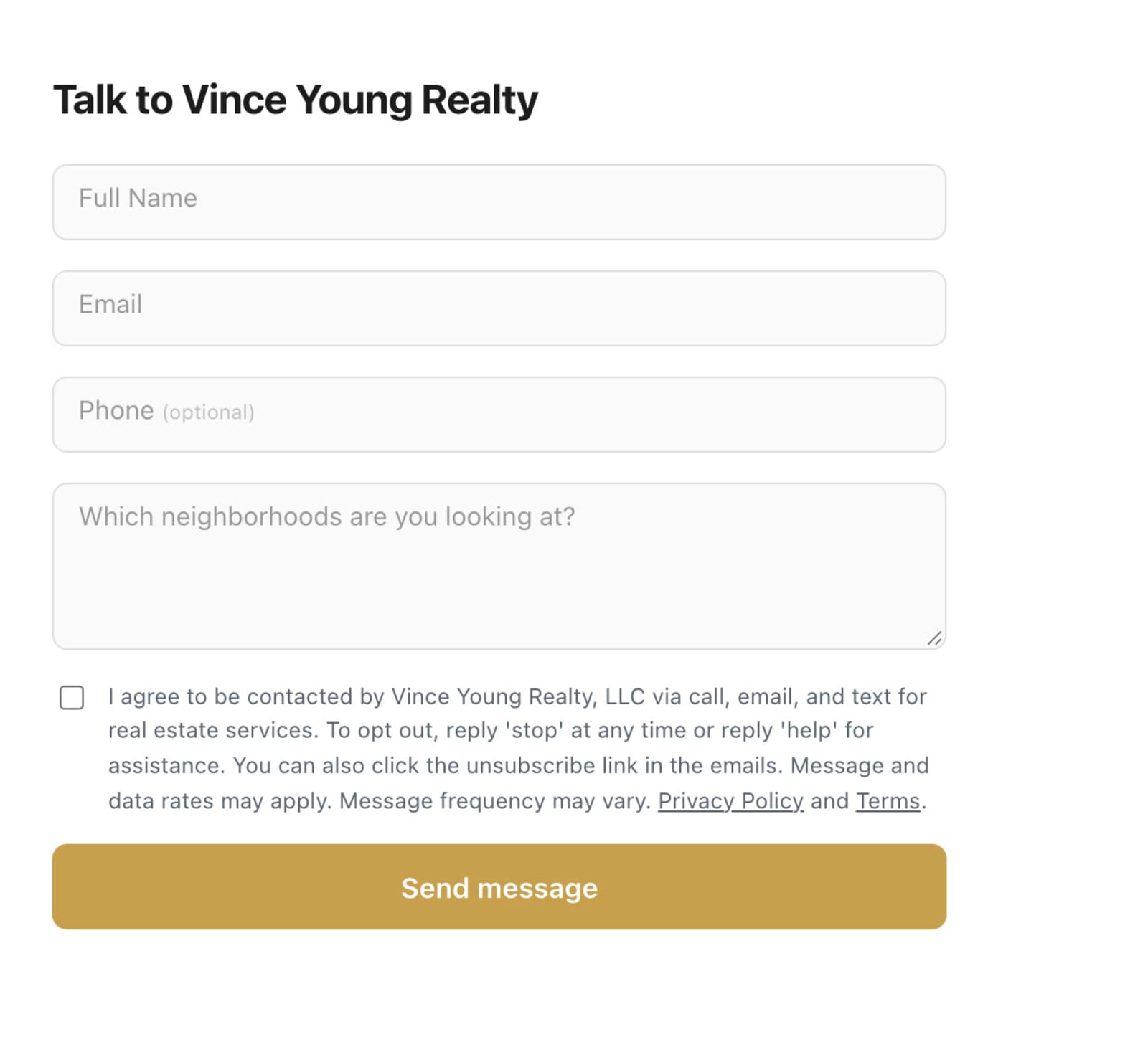
Name, email, phone and a note, with consent for calls and texts built in. Every lead goes into Follow Up Boss tagged opted-in or not, so your texting campaigns stay compliant.

Questions
Open the page or post in your editor, add a block that accepts raw HTML. Gutenberg's Custom HTML block, an Elementor HTML widget, a Divi code module, or the classic editor's text view, and paste the embed snippet where the search should appear. Publish, and the widget renders live MLS search in that spot. Repeat per placement: homepage hero, a dedicated search page, neighborhood pages. RealSavvy supplies the snippets and handles installation during setup, so in practice the paste is often done for you.
Yes, any builder with a custom-code or HTML element carries the widgets, which covers Elementor, Divi, Beaver Builder, WPBakery, Oxygen, and Gutenberg itself. The widget occupies the container the builder gives it, so you control placement, width, and surrounding layout with the same builder tools you use for everything else. This is also why the approach is theme-agnostic: the widget does not care what theme runs the site, because it never touches the theme.
The widget renders from RealSavvy's infrastructure rather than your hosting plan, so your server is not executing the search, which is the part of IDX that gets heavy. Your pages still load your theme and plugins exactly as before; the widget occupies its container without joining WordPress's PHP execution at all. This is a real difference from plugins, which run queries and templates through your hosting. On a modest hosting plan, keeping IDX off the server is the difference you can feel on mobile.
Yes, licensing does not care about your CMS. The sequence is the same as any IDX: your brokerage's MLS participation, the IDX agreement, and vendor authorization for your account, then the feed activates and the widgets render it. RealSavvy runs this paperwork during onboarding across 300+ supported MLS feeds. The honest timeline: authorization takes days to a few weeks depending on your MLS's queue; the WordPress paste takes minutes once the feed is live. Most clients are live within a week of approval.
Through RealSavvy's code-level, two-way FUB integration, not through WordPress forms or email forwarding. A visitor who registers, saves a home, or runs searches inside the widget writes that activity to the Follow Up Boss contact timeline with source attribution, where Smart Lists and action plans can act on it. RealSavvy also runs as an embedded app inside FUB itself. Your WordPress install holds no lead data and adds no step to the pipeline, which removes the classic failure of WP contact forms dying silently in an inbox.
Yes, colors, fonts, and styling configure to your brand so the embedded search reads as part of the site rather than a vendor box. The widgets are mobile-first, which protects responsive themes from the classic embedded-element failure of breaking at phone widths. Six widgets are available (search, property grids, sold galleries, lead forms, listing pages, search portals), so the design can call for different pieces in different places. A grid of new listings on a neighborhood page styles differently than a full search portal.
Pick what you need and see your exact price in two minutes, then sign and pay online. Want to look around first? Click through the real product, no sign-up needed.